Enable Community Checking
To set up community checking in Scripture Forge, log in with Paratext. You must be an admin of the project to set up community checking.
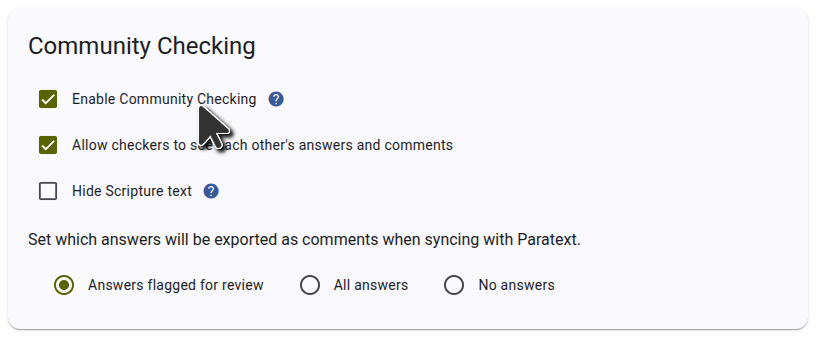
If the project hasn't been connected to Scripture Forge yet, connect the project and keep the Enable Community Checking checkbox ticked.
If the project has already been connected, you can enable community checking on the Settings page. In the Community checking section of the settings page, tick the Enable Community Checking checkbox as shown in the screenshot below.